


Convert Flip Video files to SWF files

How to convert flip video to SWF(Flash) for share on webs
This article will recommend you a great flip video software which can convert flip video from Flip ultra(HD), mino(HD) or slideHD camera to Shockwave Flash SWF, flv, f4v etc and edit flip video on Windows 2000, Vista, XP,7.
Part one: When will you need expert flip video to swf converter?
Just read these FAQ:
Q 1: I try to put my flip videos(i am rather proud of)on my website for share and add controls, like youtube or break; but failed, why?
Q 2: Whenever i import my flip video to flash 8, it just closes without doing anything! I need a convertor that will take my flip files and convert them into .fla or .swf, I have flash 8 video encoder, but no help,,,,any ideas?
Q 3:I need to upload a video onto a website, I used Pazera to convert my flip ultra video to .swf, but no audio, so i installed the windows converter 9 with codecs that one site said would fix it because it contained codec need to add sound, but nothing help, how?
Q 4:I want to convert my flip movies into .swf format so I can load them into SwishMax, any help?
Secure Download
Secure Download
Flip video are not compatible with flash video device, So, if you like to share your flip video to others online, desire to import your flip video to Flash player, could not endure the low quality of the output video and audio, just choose a professional flip video program, solve you tough question and save your time by just three simple steps.
Download software
Download flip video to swf converter on your PC, Free trial and batch convert support.
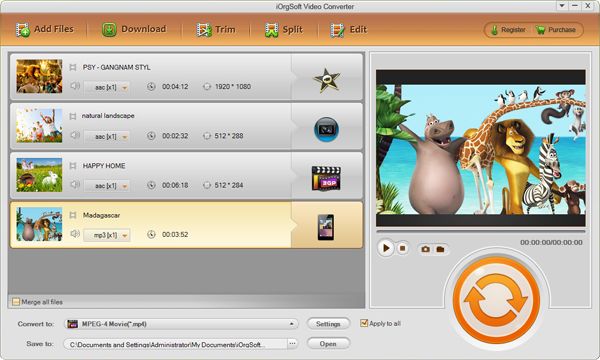
Select output format
Set output formats as (swf): click "Profile expand list" to select "SWF", then click "output arrow" to save you video to destination place.
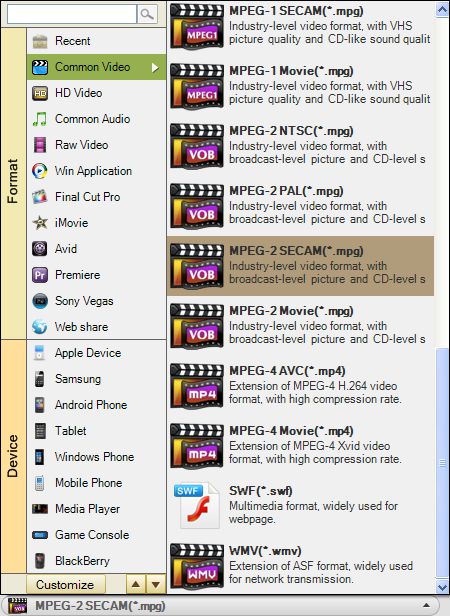
Click "Start" to complete the whole progress.
Part two: Convert flip video to swf and other common formats
With professional codecs built in, flip video to swf converter can perfectly decode flip MP4 videos and encode SWF Flash video, in other words, flip video software supports convert and transfer flip video to swf and stream it onlinewith best output quality and fast speed freely.
Additional, flip video to swf converter tool also can convert flip video to flv, avi, wmv, mov, mpeg-4, m4v, dv, divx, xvid, rm, rmvb, mkv, mpg etc and extract audio track from flip video and save as aac, ac3, aiff, amr, flac, m4a, mka, mp2, mp3, ra, wav, wma etc.
Part three: Ripe flip video import to swf flash program for playback and share online.
1. IE: Right-click the SWF file, click "Open with", then choose IE to open the SWF file.
2. Adobe Flash Player: Visit www.adobe.com to download the latest flash player to open your SWF file.
3:Sony PSP, NintendoWii and Sony PS3 consoles allows to play limited SWF files in Sony's web browser(start with firmware 2.71 ).
4: Some mobile phones support flash swf as standard, such as Nokia.
Besides, flip video to swf converter also can import flip video to other popular video device for playing, editing and burning dvds, such as iPad, iPod, iPhone 3G, 3GS, 4G, Sony Vegas, adobe premiere etc.
Part Four: Edit flip video using flip to swf converter
Flip video to SWF converter is both for novice and veteran that allows you to customize the encoding settings. You can easily use it to cut off unnecessary black borders and objects; select you preferred aspect ratio values from Original, Full screen, 4: 3 and 16:9; rotate flip videos upside down and left to right for some fun, Capture beloved images and save as JPG, BMP etc.
Advanced video and audio settings
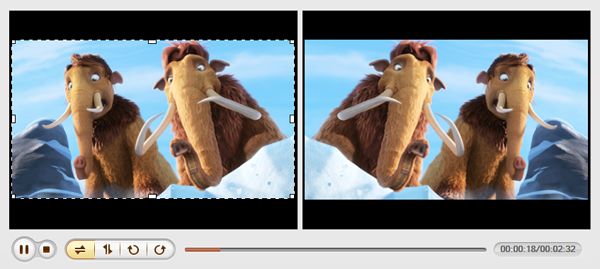
Special effects and crop for flip video
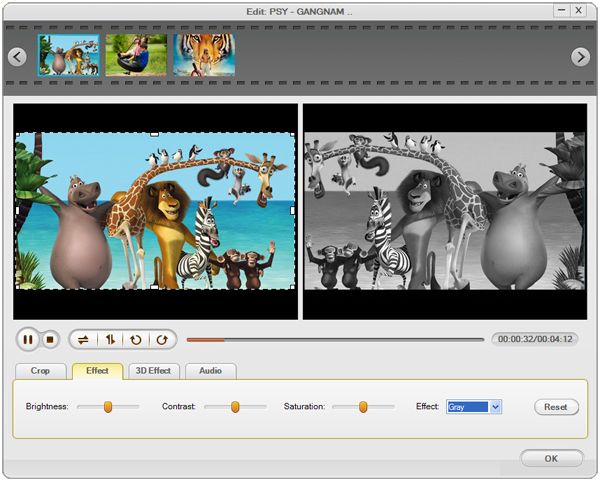
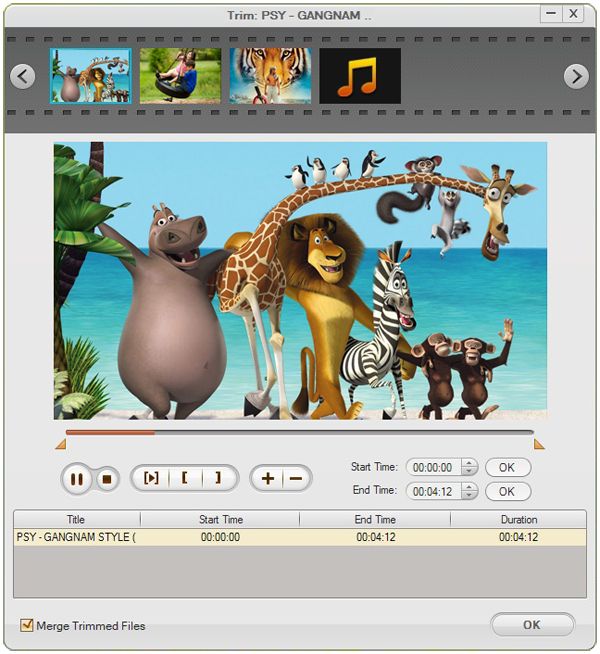
Slip, cut, clip, trim flip video as you like
Related Articles
Hot Article
- Useful AVCHD to MP4 Converter Simply Convert AVCHD to MP4
- How to Edit MTS Files with MTS Editor
- XAVC Converter for Mac
- Convert MXF files on Mac
- MTS to DVD maker for mac lion
- How to Convert XAVC to MP4 on Windows and Mac OS X
- Import MTS to Final Cut Pro on OS X Mountain Lion
- Import MTS files to iMovie 08, 09, 11
- Convert MXF to DVD Mac



