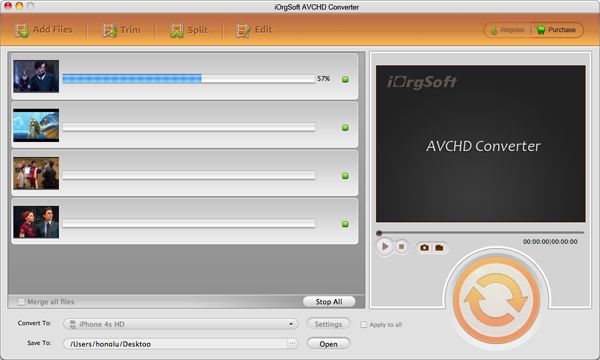
Convert MOD to DV on Mac OS X

How to convert MOD to DV on Mac OS X?
Mac MOD to DV Converter for Final Cut Express,iMovie.
Are you looking for a free piece of software that will convert MOD files(or MPEG2) (created by some models of JVC/Panasonic/Canon Camcorder) to DV or something that can be played natively in Final Cut Express without rendering the video for every edit?
Secure Download
Secure Download
Best software MOD to DV Converter Mac to convert MOD to DV on Mac OS X.
Convert MOD to DV Converter Mac. The super-simple, super-fast MOD to DV Converter Mac makes it easy to import and convert MOD to DV format to be played and edited in Final Cut Express, Final Cut Pro, iMovie, iTunes, QuickTime Player. MOD to DV Converter Mac also allows you to convert MOD to MOV, MPG, MP4, MPEG, FLV, MKV, AVI, etc on Mac OS X 10.4.10.5.10.6.
Best MOD to DV Converter Mac enables you to edit your MOD video.
If you want to custom-design your MOD Video, MOD to DV Converter Mac lets you do that, too. MOD to DV Converter Mac boasts a simple user interface, allowing you to merge, join, crop(16:9/4:3), split, clip, tweak resolution, frame rate, bit rate, Snapshot/Rotate, extract audio clips from MOD videos etc.
More Knowledge:
QuickTime Player supported Video File formats on Mac OS X v10.6.
QuickTime Player in Mac OS X v10.6 Snow Leopard is the default application for media playback on your Mac not handled by iTunes; it will play media in the below file formats:QuickTime Movie (.mov), MPEG-4 (.mp4, .m4v), MPEG-1,3GPP, 3GPP2, AVI, DV. View how to Play Almost Any Video File On Your Mac
How to use MOD to DV Converter for Mac?
Step 1: Add MOD files-Click "Add File" to add MOD files, and you can add several MOD Videos at one time.
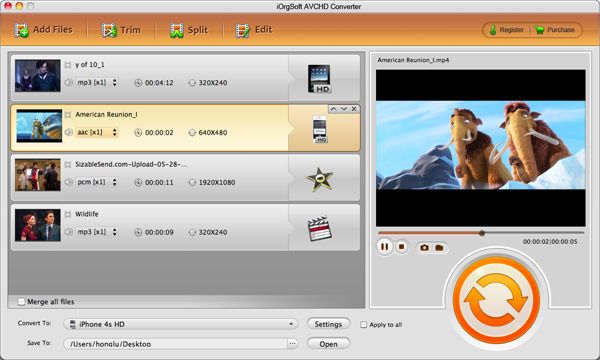
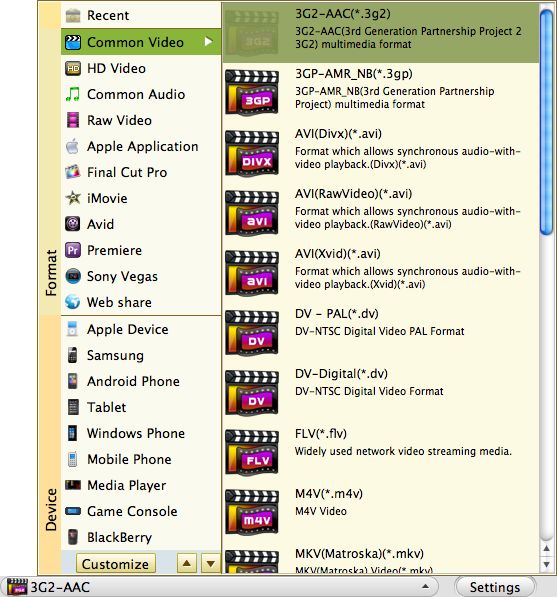
Step 2: Before convert MOD to DV Mac, choose output format and set a output folder to save the converted video.
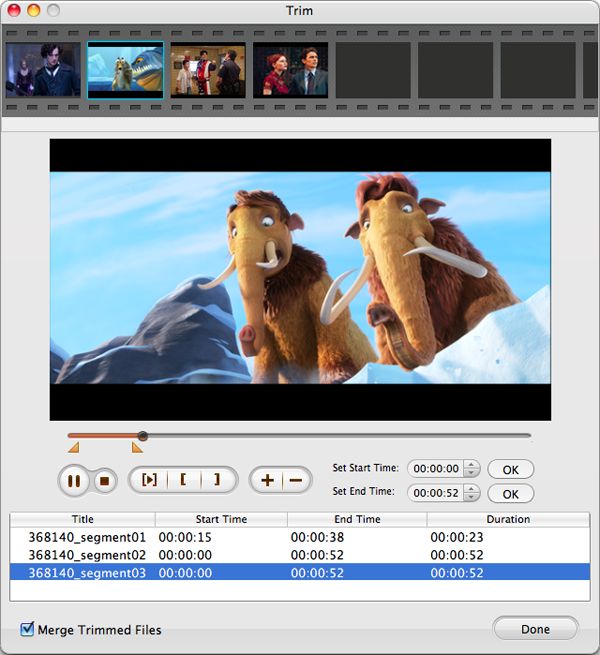
Step 3: Optional Edit the input MOD files-adjust video brightness, contrast and saturation to reach excellent effect, trim video length to convert only the right clip you like, and crop video region to fit for your portable devices.
Step 4: Convert-Click "Convert" button to begin convert MOD to DV for Mac.