

Featured with easy-to-handle interface, Mac BlackBerry Video Converter enables Mac owners to convert almost any video file to BlackBerry-friendly file formats like MPEG-4 or H.264 with no quality loss. Also, the application can support all BlackBerry mobile phones and PlayBook models. Moreover, the BlackBerry Video Converter makes it easy to edit and personalize movie.
Please follow the How-to guide below to get to know how blackberry video converter works to convert video.
Secure Download
Secure Download
Run the program, you will see the interface as below.
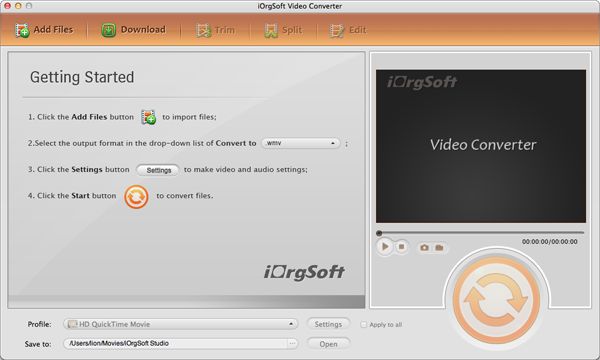
Click "Add File" to locate the files you want to add. This Mac BlackBerry Video Converter supports batch conversion. It allows you to import several media files at one time so that you can convert several videos in one go and enjoy fast conversion speed.
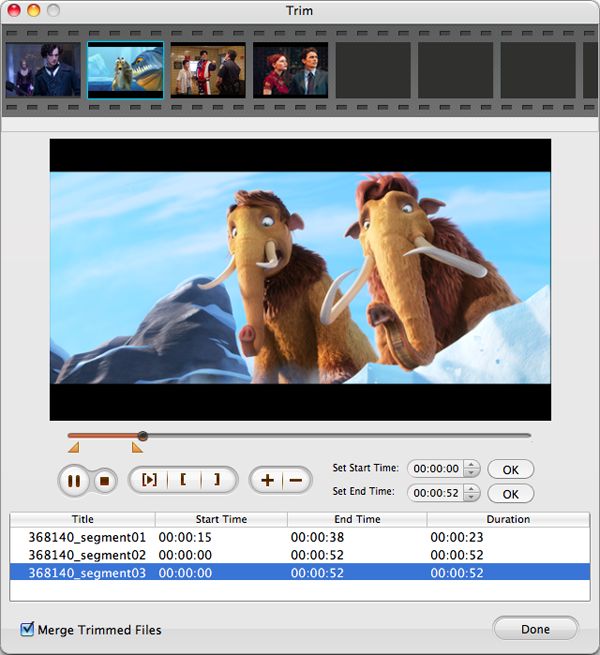
If you hope to convert only a small segment for BlackBerry, please go on the step. Hit "Trim" button on the top panel of the program, the window below will pop up. There are three ways for you to trim video: a. Set start time and end time on the boxes directly;
Move the sliders to set start and end time;
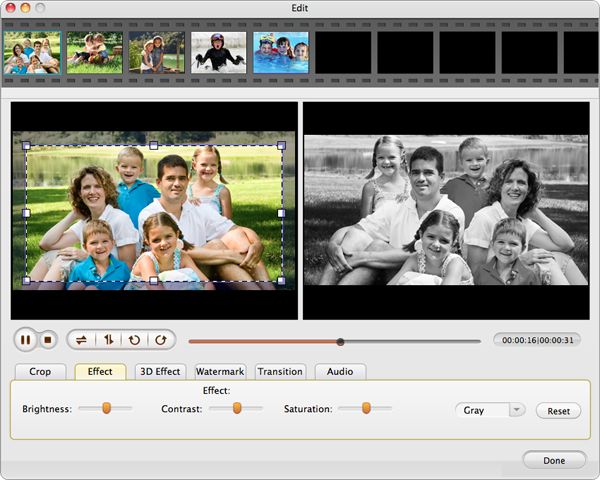
Also, you can add artistic video effect. Click "Effect" to set it in the pop-up window. In the section, you can adjust contrast, brightness, saturation and set aspect ratio as 16:9, 4:3.or full.
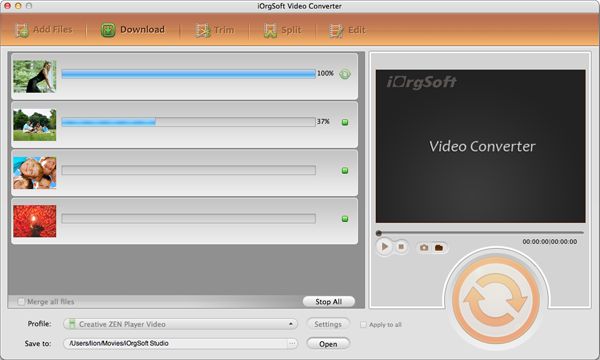
When all the settings are done, hit "Convert" button to start BlackBerry video conversion. On finishing the conversion, you can directly access to the generated file by default. Also, you're able to easily change the output folder using the "Browser" option at bottom.
$35.00
A useful program to convert video/audio to Kindle Fire with zero quality loss within a few clicks.


$35.00
Convert video/audio files to AMV at super fast speed and with zero quality loss.
$35.00
Easily and quickly convert from HD/SD videos to common video formats with no quality loss.




Terms & Conditions| Privacy| Sitemap| Contact Us| About Us| Affiliate| Newsletter| License Agreement| Uninstall
Browser compatibility : IE/Firefox/Chrome/Opera/Safari/Maxthon/Netscape
Copyright © 2007-2016 iOrgsoft Studio All Rights Reserved