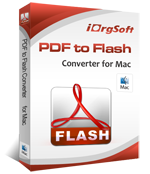

Why Choose iOrgsoft PDF to Flash Converter for Mac
iOrgsoft PDF to Flash Converter is a professional PDF tool to convert PDF files to Flash to view on the browser without loading Adobe Reader or in some certain media players. By converting, you can make your own flip book form piles of PDF files for easy reading and viewing. It can convert PDF files to flash at ultra-fast speed, while the good output quality is generated. It is the best PDF to Flash Converter Mac for people who want to change PDF to Flash on Mac.

Reviews
- I use this product to make flip book from my PDF files. It is easy to use and the functions is comprehensive, can do everything I can imagine. Great!
- - by Mert
- The main reason I purchase this soft is to change my PDF documents to flip book for easy reading. It does indeed! The powerful functions are amazing. Worth the price.
- - by Johan
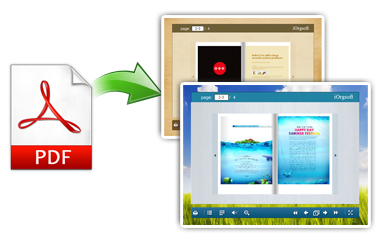
Convert PDF to Flash SWF
To make flash SWF from PDF can be very easy if you get the PDF to Flash Converter for Mac. This program can easily convert Adobe PDF document into a Macromedia Flash (SWF) files for Online and offline publication, quickly viewing PDF files in the browser without loading Adobe Reader.
No delay to make your own flip books out of your PDF collections; you will get another new experience from the flip books.
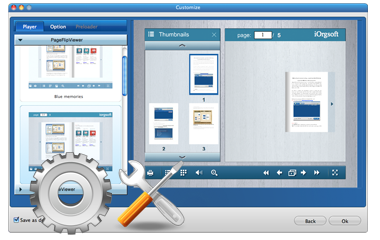
Customize Flash Flip book
Making stylish flash flip book is simple with this PDF to Flash Converter Mac. Few clicks can help you get an impressive flip book.
You can choose flash player, flash preloader for flash flip magazine and configure each book page effect and choose a Background color and reading option, such as Zoom in, Zoom out, Tablet of Contents, Enable Fullscreen.
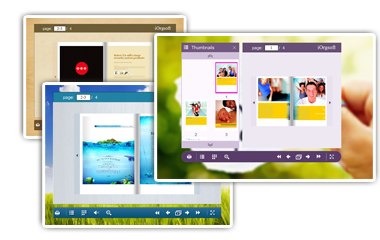
Enhanced reader's experience
Good reader's experience prove the success of the conversion from PDF to flash SWF, or this program is only a failure. iOrgsoft PDF to Flash Converter has enhanced readers' experience with multimedia and created a unique interface to match your publication's look and feel.
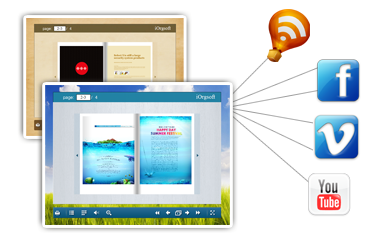
Share the flipping magazine
It lets you create your own online presentation or offline reading book with stunning 3D animated page flipping book to share the current flipping page including the whole magazine via emails, Twitter, Facebook, Google, etc.
iOrgsoft PDF to Flash Converter for Mac More Features

Batch conversion
Convert several PDF files in batches efficiently.

Easy to use
Friendly interface facilitate all things.

Free support
Free technical support is available via support@iorgsoft.com