

Portable camera enjoys a huge popularity among people for its pocket-sized, easy to use, it is an easy, intuitive way compared to traditional letter writing to the modern call making to tell storys about you, your friend, family and everything happened around. All you need to do is to put your shot videos with your camera to your computer, players or anywhere possible.
Secure Download
30 Day Money Back Guarantee
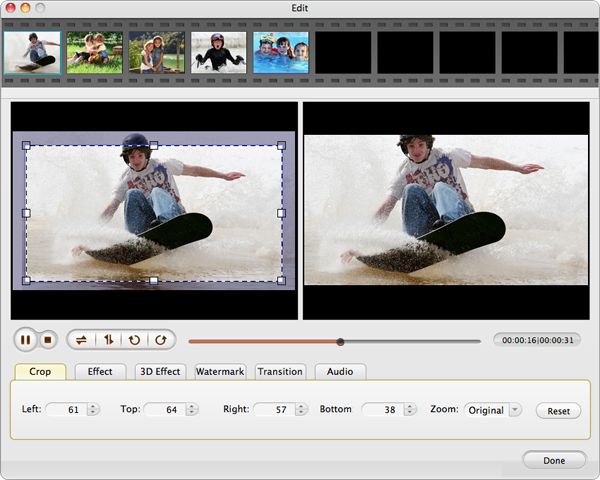
Portable Camera Mate for Mac is specially developed for this purpose, with it, you will never need to struggle a way to watch your videos on computer or on your favourite players. You can enjoy your favourite videos anywhere and anytime with a few step of conversion process. Besides, it can also help you make your favourite videos with the built-in video editing function
Now, please wait patiently for the magic to appear, just read the following instruction to get your magic.
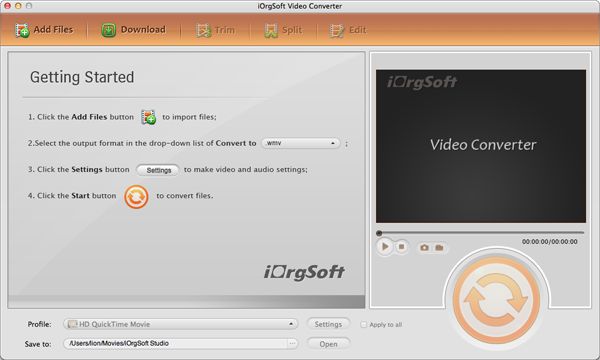
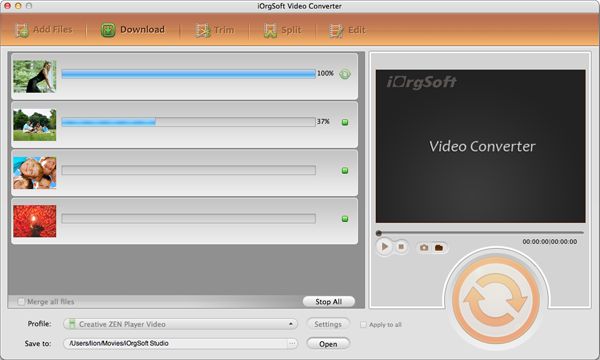
Click Add File on the top of the main panel to import your desired video files.
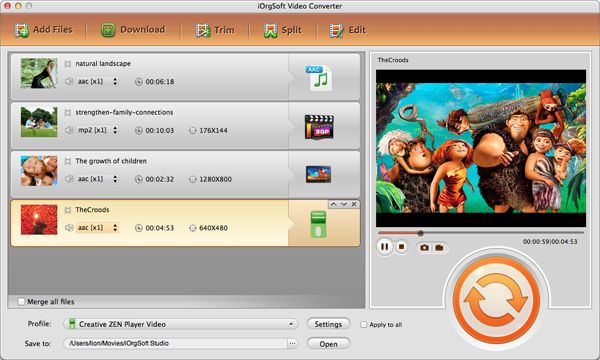
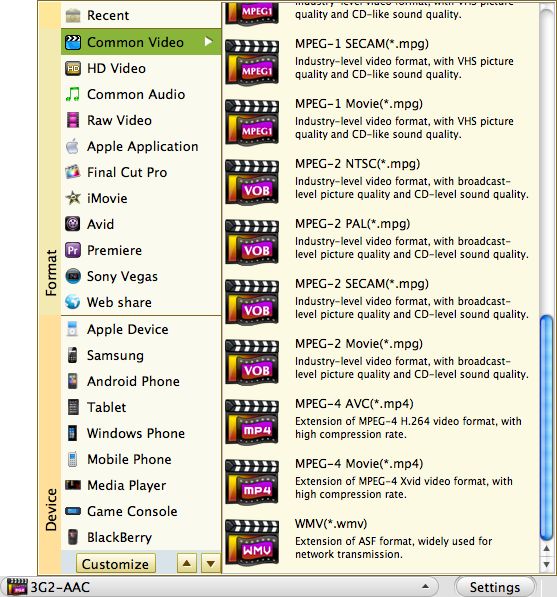
Click the drop-down list of Profile to select the output format you want to convert to, and then click the drop-down list of Destination to designate a place to save the converted files.
Click the Start button to convert your videos.
$35.00
Best program to convert AVCHD MTS, M2TS , AVCHD Lite to MOV, MP4,etc.on Mac with original quality.


$35.00
Transfer videos from portable cameras to any other popular format file on Mac for further use.
$39.95
Mac DVD burning program to burn videos to DVD on Mac and create DVD menu with stylish template.




Terms & Conditions| Privacy| Sitemap| Contact Us| About Us| Affiliate| Newsletter| License Agreement| Uninstall
Browser compatibility : IE/Firefox/Chrome/Opera/Safari/Maxthon/Netscape
Copyright © 2007-2016 iOrgsoft Studio All Rights Reserved