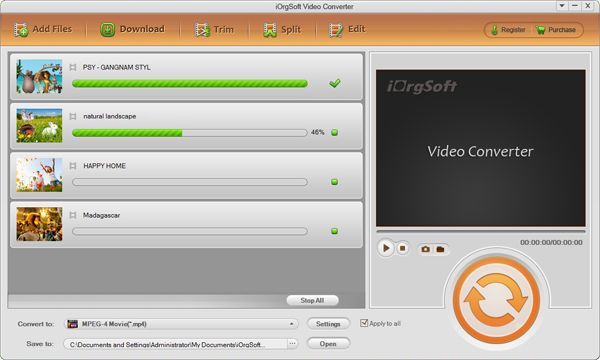
Convert VOB to BlackBerry

VOB files are the most common type of movie file used on commercial DVDs and homemade DVDs. For unencrypted DVD, you can directly copy VOB files to your hard drive. Hope to play these funny .vob movies with BlackBerry on the move, but feel frustrated that can’t successfully transfer the .vob files to BlackBerry device.
In order to make VOB more acceptable, they should be converted to BlackBerry file format such as MP4, which is most widely supported video format. Here, I strongly recommend the iOrgSoft VOB to BlackBerry Video Converter, which is a professional video conversion desktop program for BlackBerry devices. It supports a wide range of media file formats like WMV, 3GP, VOB, MPG, RM, RMVB, FLV, etc. Supposed that you’re not running on Windows OS, but Mac OSX, the Mac version -VOB to BlackBerry Video Converter for Mac can be your excellent choice.
Secure Download
Secure Download
Step-by-step guide on how to convert VOB to BlackBerry:
Make preparation: Free download the VOB to BlackBerry Video Converter for Windows (or Mac OS)
Install and run the program, you will see the screenshot:
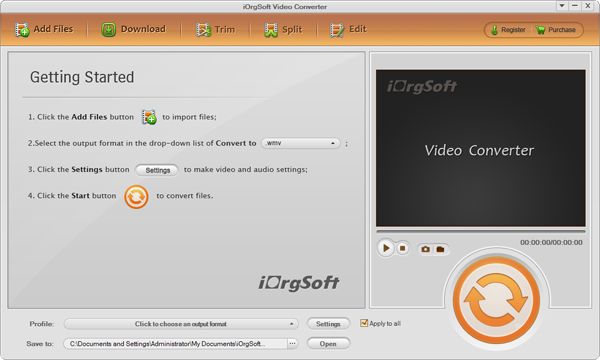
Add .vob file(s) to the program
Launch the BlackBerry Video Converter, go to "+" menu and locate the .vob file(s) you want to add.
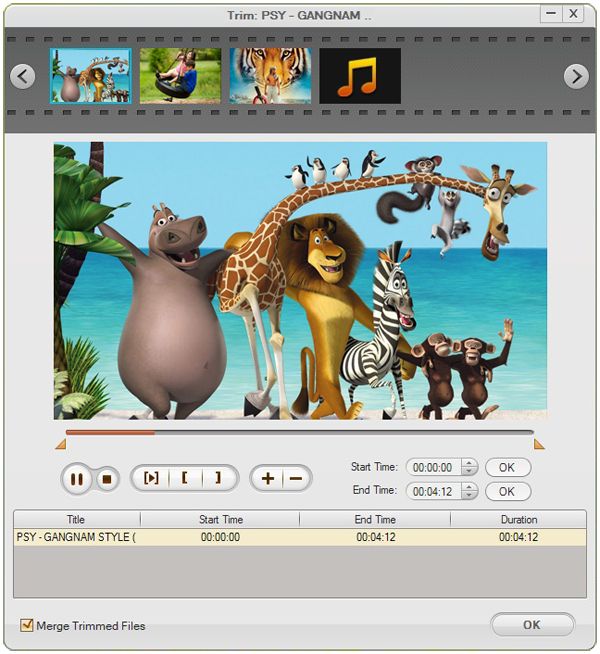
Trim video (if necessary)
VOB file is always in big size. That’s to say, it isn’t portable, especially for mobile phone like BlackBerry. So you may wish to play back the small segment of .vob file on BlackBerry. Go to "Trim" panel, you can type into the start time and end time to set trim information. Also, you can set current playing position as trim start time or trim end time.
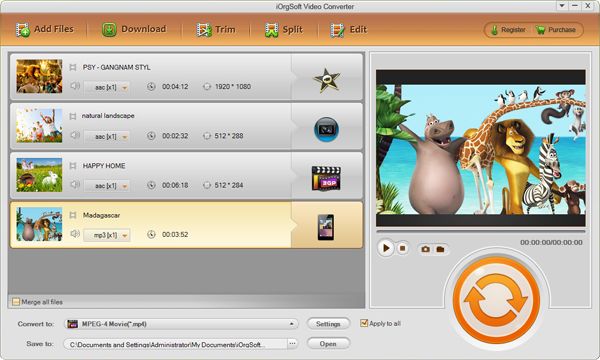
Choose BlackBerry MP4 as output file format
In the "Convert" panel, go to drop-menu of "Profile" and choose BlackBerry MP4 as output file format.
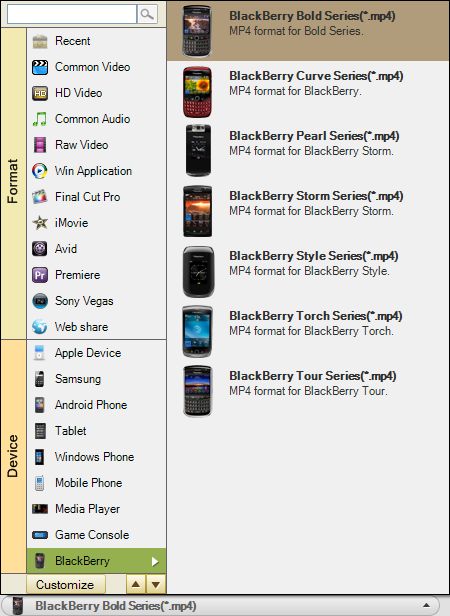
Run the conversion from VOB to MP4 for BlackBerry
Hit "Convert" button and let the awesome BlackBerry Video Converter do the rest for you! The program is specially designed for Windows OS users. It works well with Windows 8, Windows 7, Window Vista and XP.