3G2 to AVI Converter

About 3G2:
3G2 (3GPP2 file format) is a multimedia container format defined by the 3GPP2 for 3G CDMA2000 multimedia services. It is very similar to the 3GP file format, but an updated version of .3gp format used on many mobile phones for saving video files.
However, it has poor compatibility with common media player like Windows Media Player, iTunes, etc. In order to make 3G2 video more acceptable, you have to convert 3G2 to more compatible file format like AVI.
iOrgSoft 3G2 to AVI Converter is specially designed for Windows PC owners to easily and fast convert .3g2 to .avi file. The program also accepts a wide range of video formats as input formats like MOV, WMV, ASF, 3GP, VOB, MPG/MPEG2, etc. Sometimes, you may wish to enhance the video, the AVI Converter can achieve your wish, as it provides rich editing functions as well. Now, you can download the 3G2 to AVI Converter and have a free try with it.
Secure Download
Secure Download
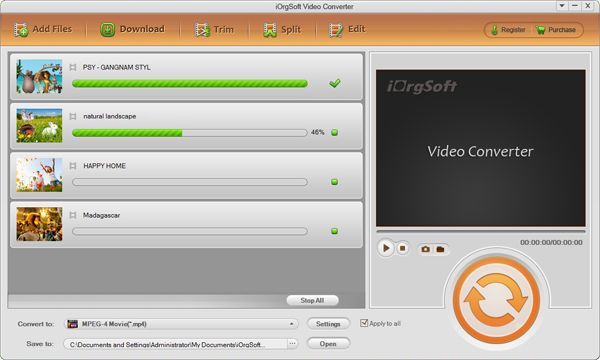
Run the AVI Converter and import .3g2 video file
Install and launch the 3G2 to AVI Converter. Select .3g2 video file from hard drive to the program by clicking "+" button.
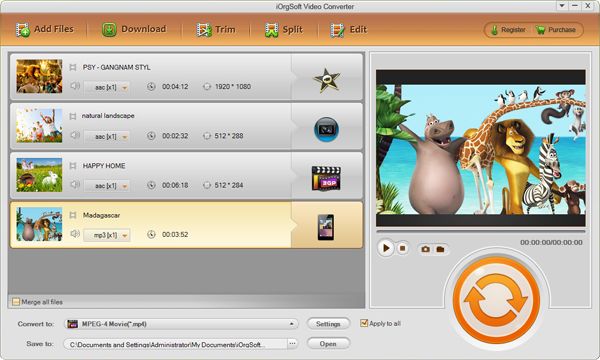
Trim video (not required)
Go to "Trim" tab to activate video trimming function. In the left side, you can trim a certain time-length segment by inputting value of starting or ending time. In addition, you can define the starting or ending time by moving two markers in the slider.
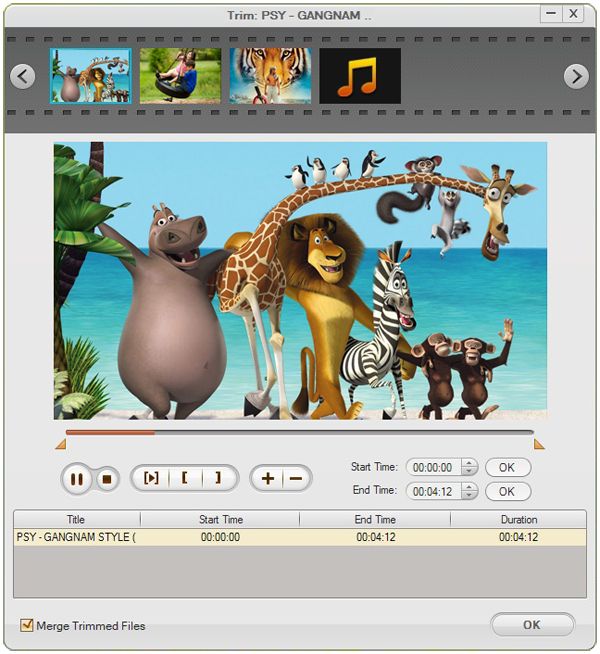
Select AVI as output file format
Go to "Convert" panel, choose AVI as output file format under the menu of "Format". Also, you can specify the output destination folder by setting "Output" menu.
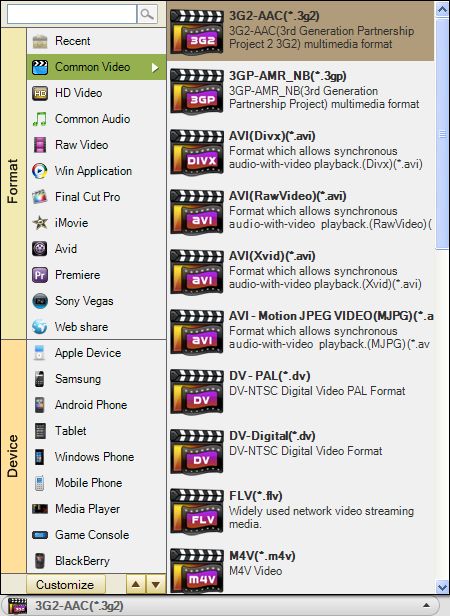
Convert 3G2 to AVI
Finally, click "Convert" button to launch the conversion from 3G2 to AVI. You can check the conversion progress in the section. On the right, you can also alter the video or audio parameters as well.